

The “Quiet” AI Video Boom: Why Micro-Animations Are Replacing Full-Scale Production in 2026
Discover how micro-animations are transforming enterprise AI video, helping teams create scalable, brand-safe motion content faster without full video production.
image for illustrative purpose
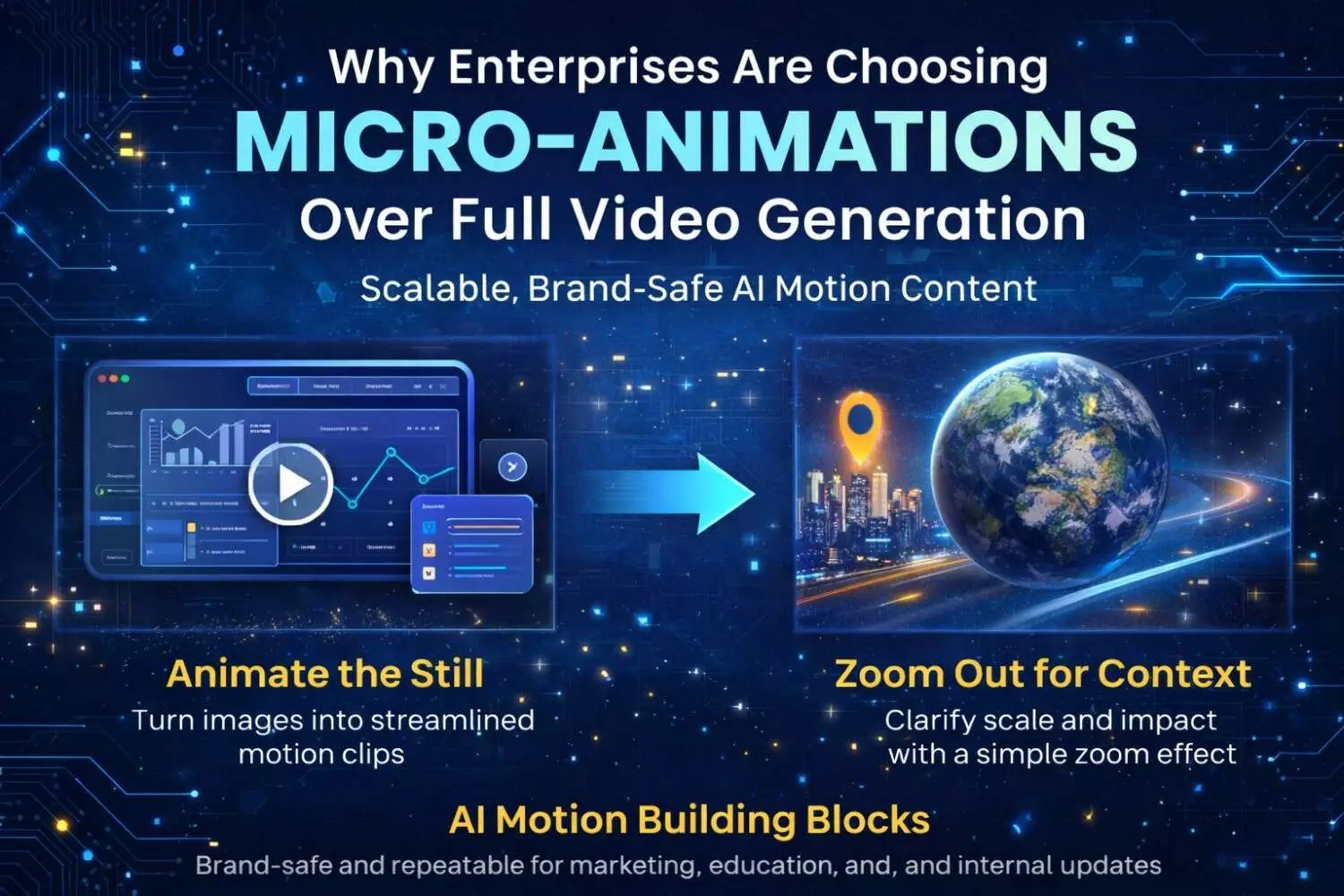
Enterprise AI video is often framed as a race toward realism—talking avatars, cinematic generations, and fully synthetic scenes. But in day-to-day business content, the real momentum is happening somewhere less flashy: micro-animations.
These are short, controlled motion effects that turn existing assets—images, maps, product screenshots—into videos that feel modern and attention-friendly, without the cost and risk of full production. For brands, product teams, and internal comms departments, micro-animations are becoming the “quiet” workhorse of AI content: easy to approve, fast to ship, and reliable to repeat.
In 2026, the question for many teams is no longer “Can AI generate a whole video?” It’s “Can AI help us publish more—without increasing complexity?”
Why enterprises are choosing micro-animations over “full generation”
Most organizations already have plenty of content. What they lack is velocity and format fit.
A PDF or slide deck works in a meeting. A static screenshot gets skimmed in a feed. Meanwhile, modern distribution channels—social, newsletters, in-product education, even internal platforms—are biased toward motion.
Traditional video production solves this, but it’s expensive and slow. Fully generative video can be fast, but it often introduces issues enterprises can’t tolerate: inconsistency, unexpected artifacts, and brand risk.
Micro-animations sit in the sweet spot because they’re constrained by design:
They reuse approved visuals (brand-safe inputs)
They add limited motion (less hallucination)
They’re easier to QA (fewer moving parts)
They’re easy to standardize (templates and repeatable styles)
This is why many teams are shifting from “big, rare videos” to “small, frequent motion assets.”
Two micro-animation patterns that are quietly everywhere
1) “Animate the still” (turn static visuals into motion-ready clips)
This is the most common enterprise pattern because it works with what teams already have: product images, UI screenshots, infographics, diagrams, campaign creatives.
The objective is not to create dramatic animation—it’s to add just enough motion to keep attention and improve clarity:
gentle parallax (foreground/background separation)
slow push-in (a calm “focus” effect)
subtle light shifts (warmth without distraction)
micro-movement (e.g., slight motion in background elements)
This approach is particularly useful for product marketing, customer education, and internal updates—because it upgrades existing assets instead of demanding new production.
A simple way to explore this pattern is with an image animation workflow such as AI Animate Image Generator. The advantage of starting here is that it’s operationally realistic: you can take one approved visual and create multiple motion variants for different channels within minutes.
2) “Zoom out for context” (why Earth zoom-out is a storytelling shortcut)
The second pattern is less obvious—but widely useful across enterprise narratives: the Earth zoom-out.
When a company talks about expansion, operations, infrastructure, sustainability work, or regional impact, audiences often struggle to visualize scale. A “zoom-out from location to Earth” shot compresses that context into seconds. It’s familiar, intuitive, and surprisingly versatile:
“Where we operate” segments for investor and partner updates
Logistics and supply chain explainers
ESG reporting across regions
Cybersecurity storytelling (communicating scope without panic)
Travel, telecom, and infrastructure narratives
For teams that repeatedly need “context and scale,” a dedicated effect like AI Earth Zoom Out provides a consistent visual module
This isn’t about spectacle—it’s about clarity. One short motion clip can replace paragraphs of explanation.
The micro-animation workflow that actually scales
The biggest difference between “AI video experiments” and “enterprise-grade usage” is process. The teams getting value are not improvising every prompt—they’re building repeatable modules.
A practical workflow looks like this:
Step 1: Write a one-paragraph motion brief
Include:
where the clip will be used (social, internal, training, landing page)
duration and format (e.g., 6 seconds, 9:16)
motion type (push-in, parallax, zoom-out)
“locks” (logo, typography, colors, layout, any text that must remain readable)
Step 2: Template the prompts (or directions)
Instead of everyone writing from scratch, create a small library:
“UI screenshot micro-motion”
“infographic parallax”
“Earth zoom-out context shot”
“brand visual loop”
Step 3: QA with a 20-second checklist
Check for:
flicker/jitter
warped edges around text/logos
unexpected objects
motion that’s faster or louder than intended
If two items fail, regenerate with less motion, not more.
This is the reason micro-animations win internally: they’re easier to govern and easier to repeat.
Why this trend matters: distribution is changing faster than production
Micro-animations are not just a creative upgrade—they’re a distribution strategy.
Platforms reward motion. Viewers remember motion more than static slides. And teams that can publish small motion assets frequently can maintain visibility without spending like a studio.
That’s why the “quiet boom” is happening now: enterprises have realized they don’t need a fully synthetic movie to benefit from AI video. They need reliable motion building blocks that slot into real workflows—marketing, education, updates, and storytelling.
A low-pressure way to start
If you want to test whether micro-animations fit your organization, start with a single existing asset—a screenshot or a campaign image—and generate two micro-motion variants. Then compare engagement and clarity in the channel that matters most. If it works, you’ve found a repeatable module you can standardize.
In many cases, pairing one “animate the still” workflow (like AI Animate Image Generator) with one “context and scale” module (like AI Earth Zoom Out) is enough to build a practical micro-animation pipeline without overhauling your production stack.





